MiSTery Core on MIST: An FPGA Backup for the Mega ST 4
After getting the Mega ST 4 "Low" fully configured, I cloned its entire UltraSatan SD card for the MIST FPGA board. The MiSTery Core on the MIST can access SD cards directly, so every partition from the UltraSatan is available right away, no HDD images needed. I can pull the SD card out of the MIST, put it into my computer and copy data straight onto it, just like with the UltraSatan. That keeps the MIST and the "Low" in sync and makes backups and data transfers very easy.
Why do it
The main reason is preservation. If the real Mega ST 4 ever breaks down, the MiSTery Core on the MIST can take over. It's not a replacement for the real hardware, but it means a dead Mega 4 doesn't leave me without a working setup.
The SD card workflow
The MIST reads the same SD card layout as the UltraSatan. Since the MiSTery Core supports direct SD card access, all partitions are immediately available. There's no need to convert partitions into HDD images or mount them through an emulator menu. The card comes out of the MIST and goes straight into a PC card reader. That makes it trivially easy to move data between the MIST and the real machine, and to keep backups current.
My configurations
I've prepared five configurations, each for a different use case:
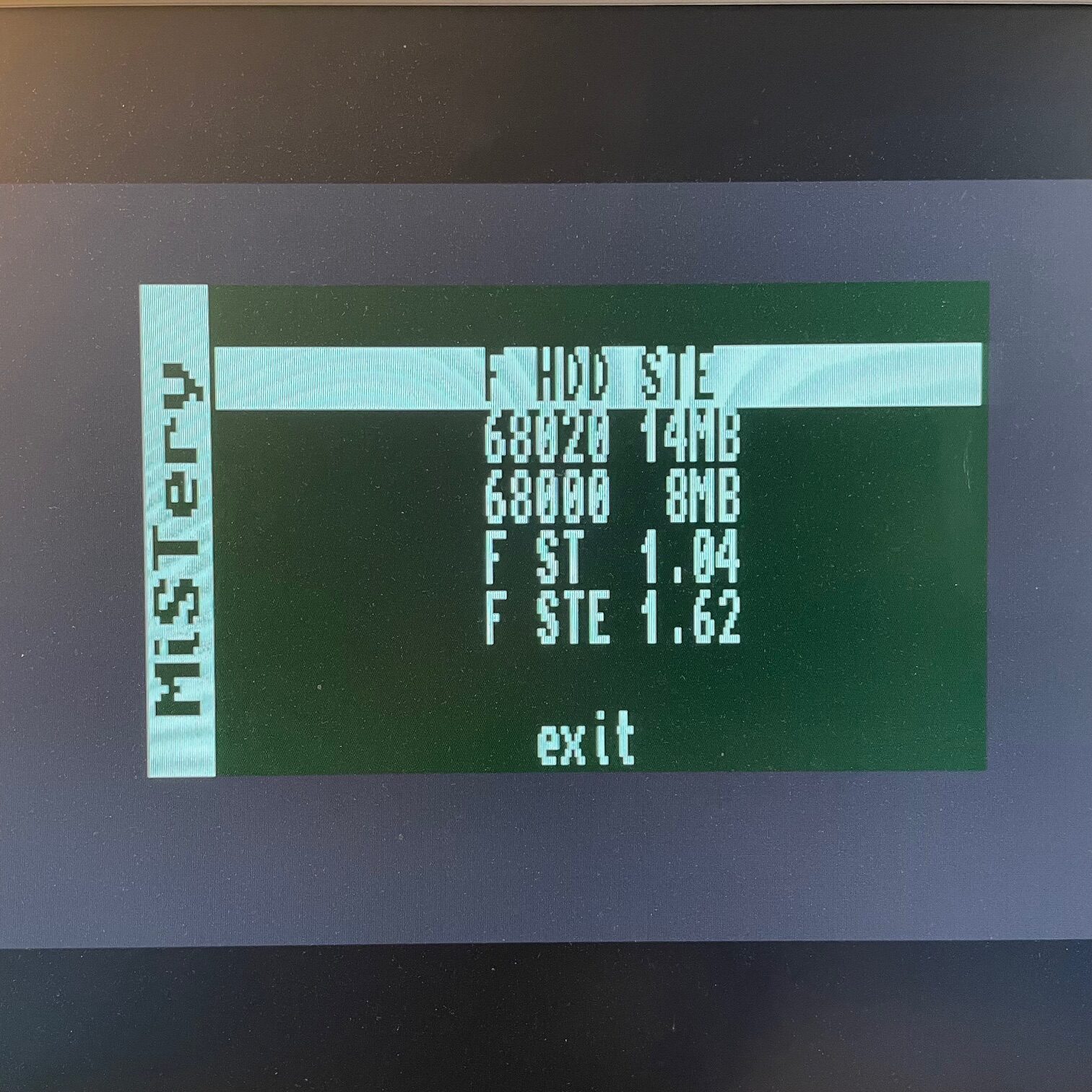
The MiSTery Core configuration selection screen, showing all five available setups.
1. iTOS 1.04 (same as the Low)
The same setup as on the Mega ST 4 "Low". With iTOS, the boot options select which drive to boot from:
- 1 + Space, boot from
C:\BT\1, opens D: GAMES - 2 + Space, boot from
C:\BT\2, opens E: DEMOS - 3 + Space, boot from
C:\BT\3, opens F: Med-Res
Exactly the way I have it on the real machine.
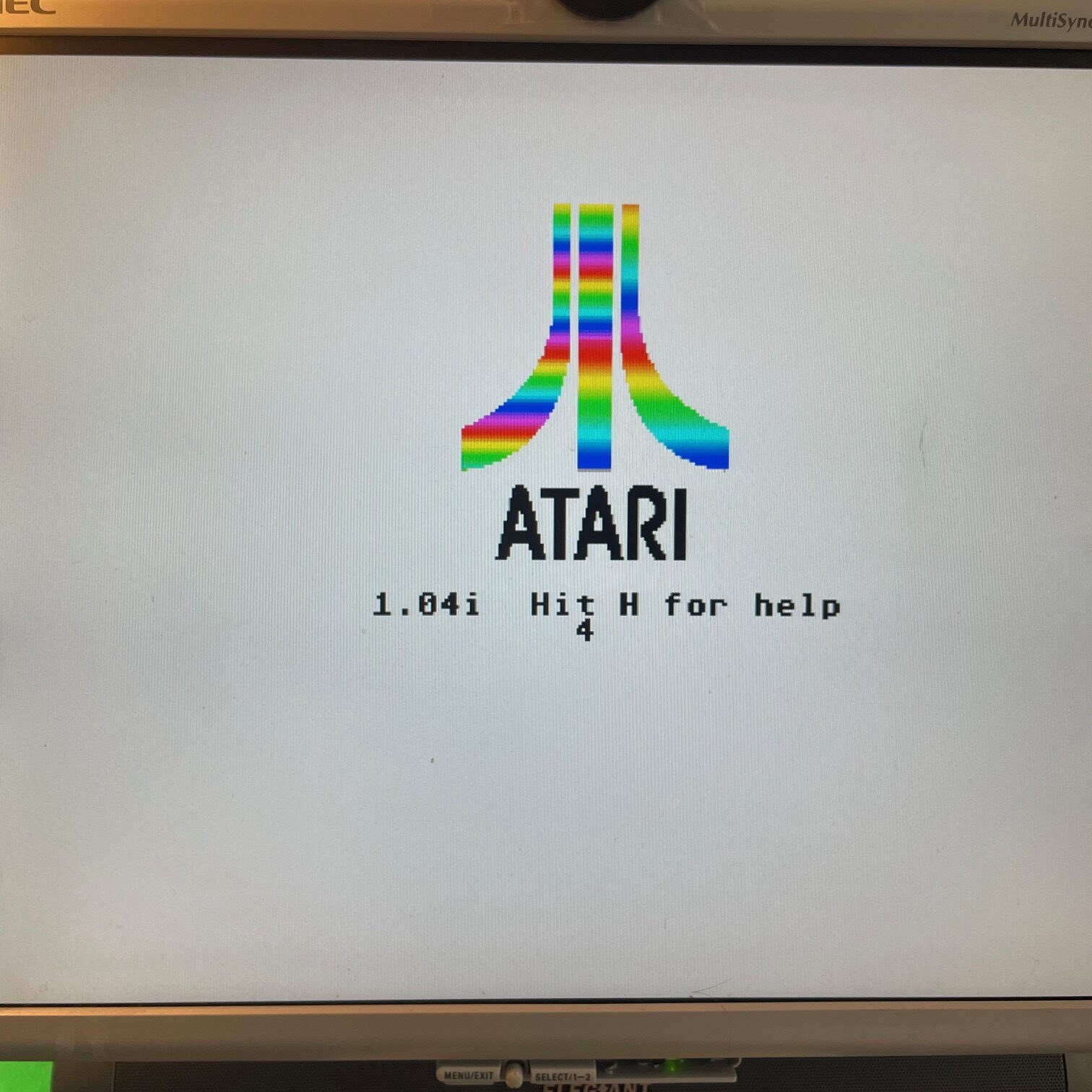
The iTOS boot screen with the drive selection prompt.
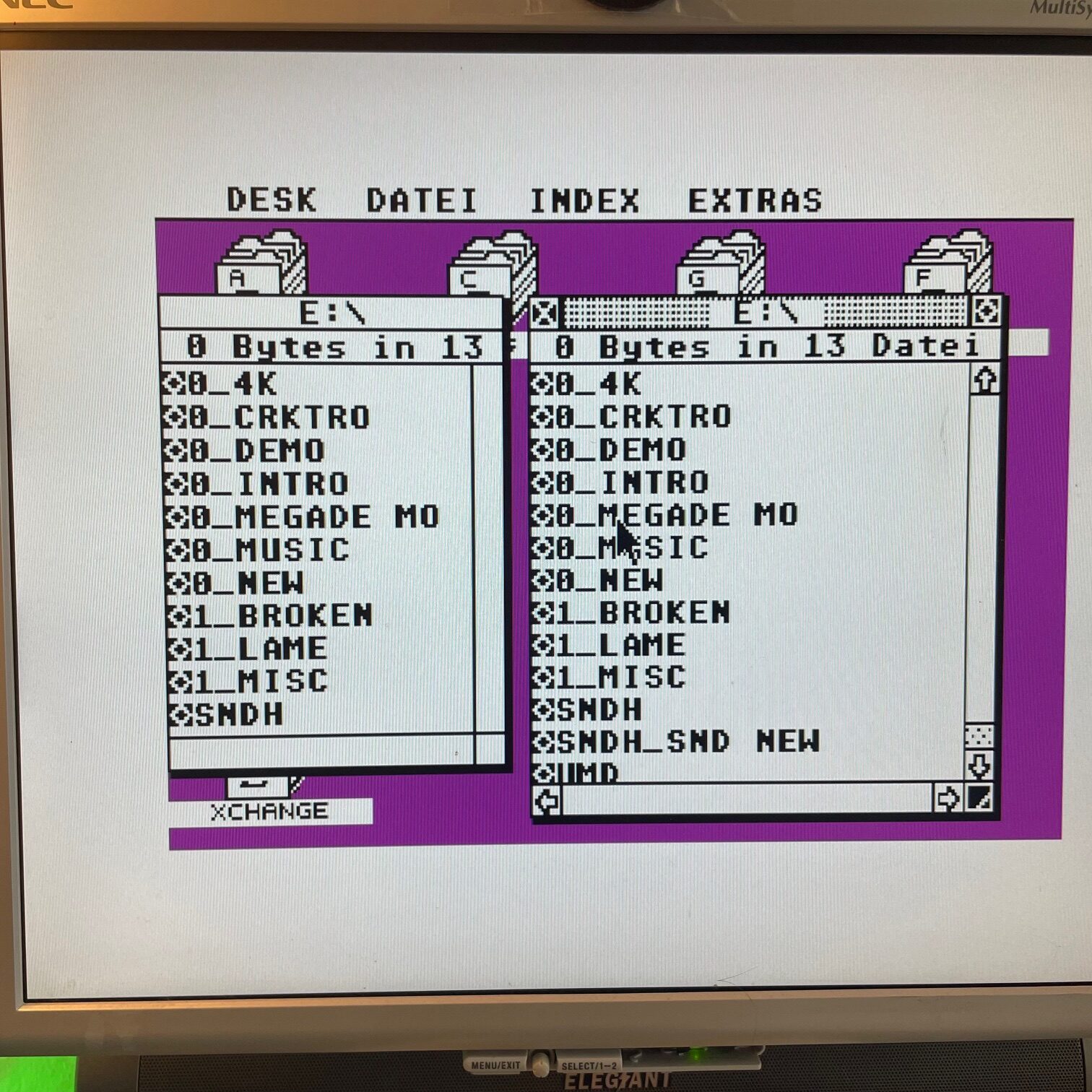
iTOS booting from the selected drive.
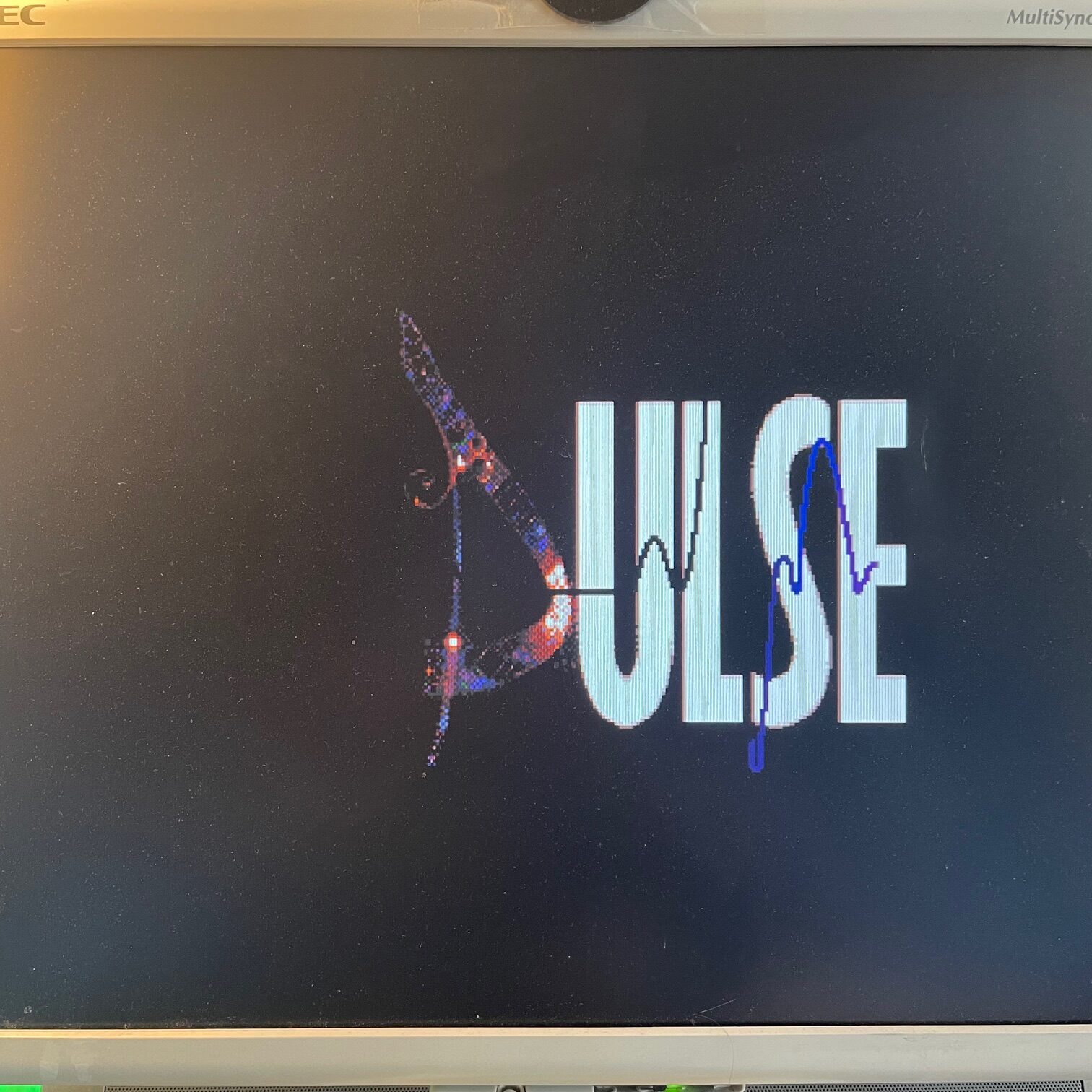
A demo running after boot on the iTOS configuration.
2. 68020 14 MB with Viking Card
This is the most interesting configuration. On the real Mega 4 "Low", high resolution is limited to 640x400, which always felt small to me, hence the ET4000 experiments and eventually the Mega ST 4 "High". On the MiSTery Core, I can activate an FPGA recreation of the Viking graphics card. The original Viking had 1280x900, the FPGA version uses 1280x1024, which matches exactly the native resolution of my NEC monitor. Unlike the ET4000, which gives me 256 colours, the Viking is black and white only. But paired with Geneva and the faster 68020 processor, it's genuinely pleasant to work on. The core also emulates an EtherNEC and I have STinG configured for networking.
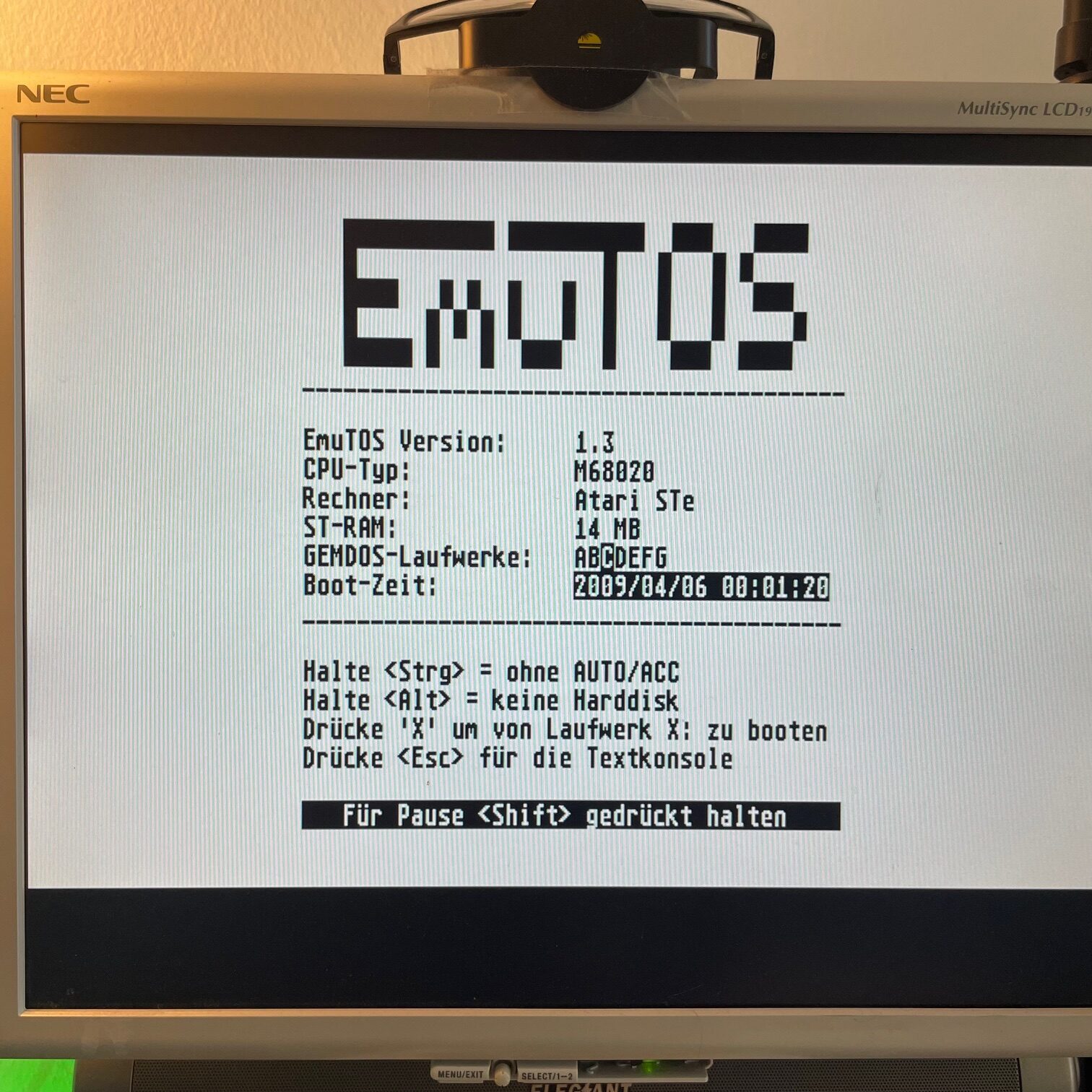
The Viking configuration booting via EmuTOS.
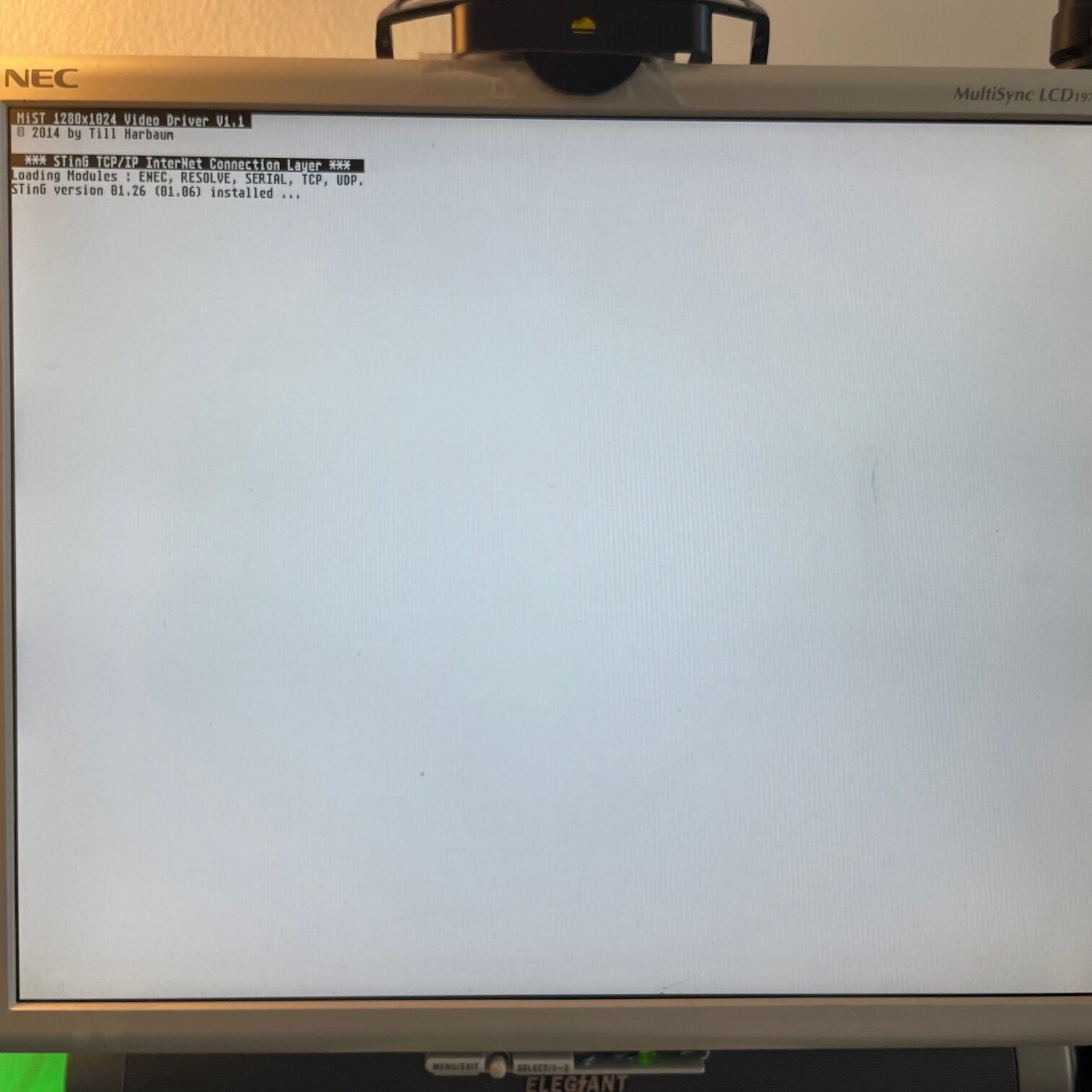
The Viking GEM desktop coming up.
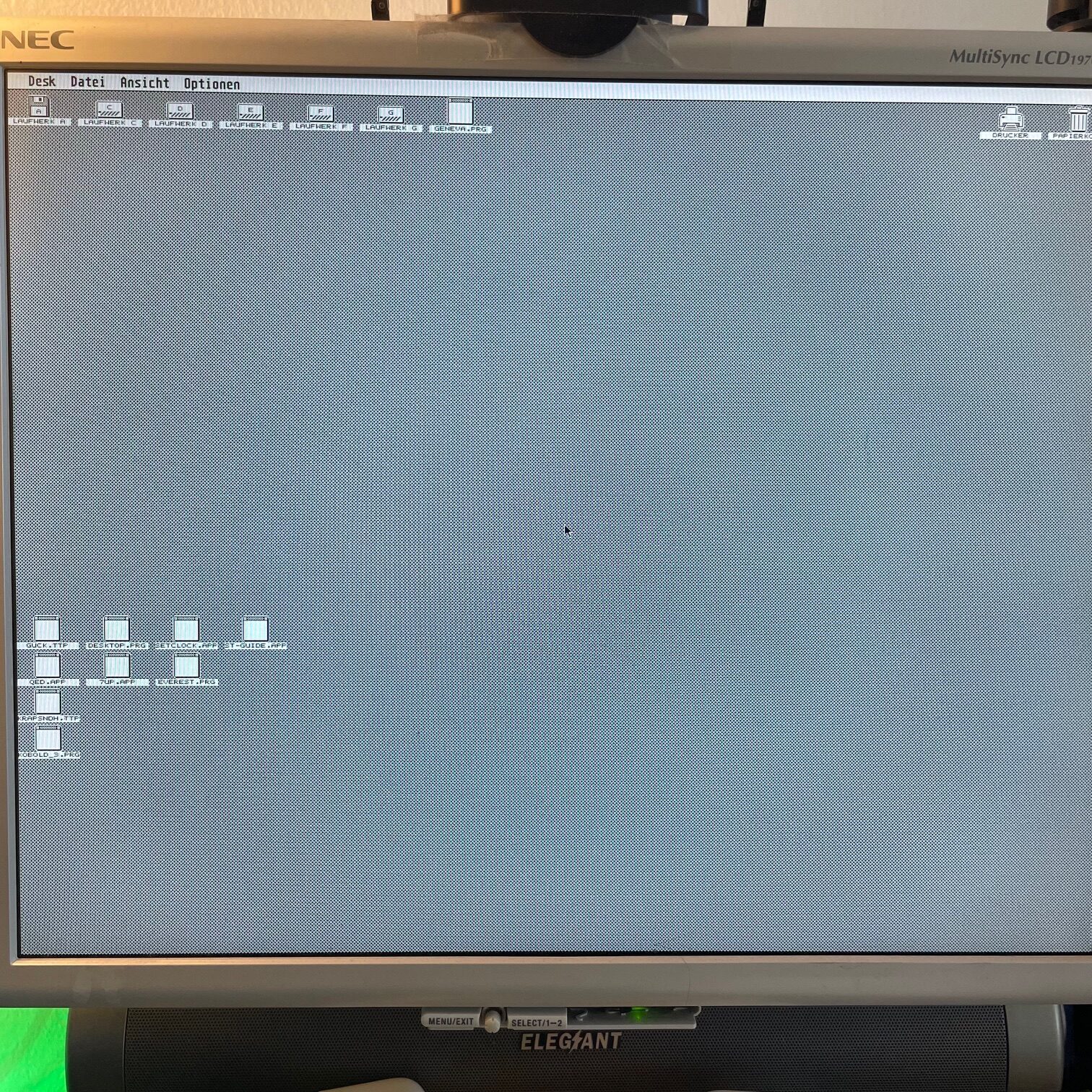
The Viking GEM desktop at full 1280x1024 resolution.
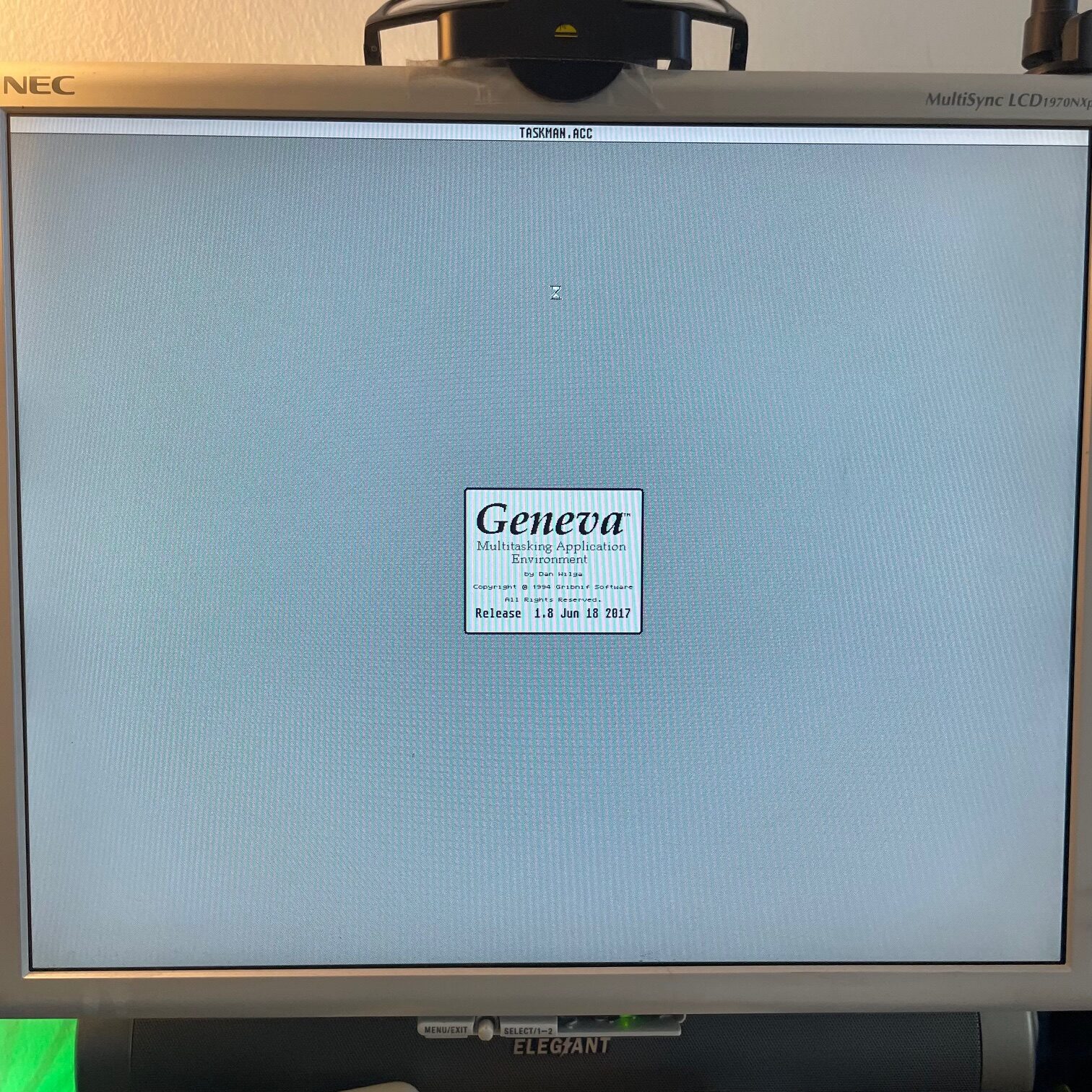
Geneva running on the Viking card.
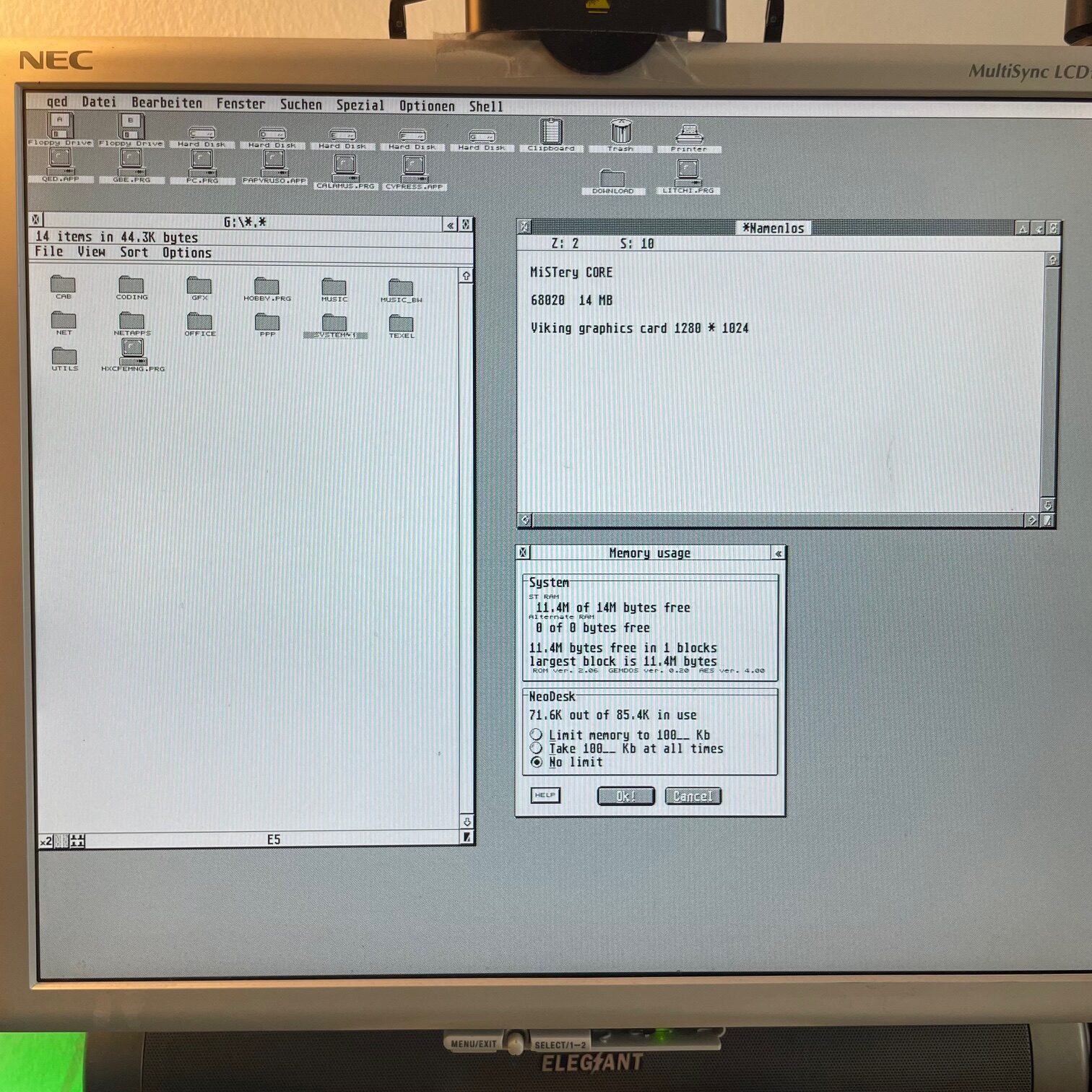
The Geneva desktop with windows open, the final result.
3. 68000 8 MB
A slightly improved version of my high resolution configuration without the Viking card. I use this one for testing only.
4. ST TOS 1.04
As close to the original ST as possible. For playing floppy games and demos in a native configuration.
5. STE TOS 1.62
Same idea, but for STE-specific content. Original floppy games and demos that need STE hardware.
How it compares to the real Low
The MiSTery Core is an accurate FPGA recreation, so it behaves very much like the real hardware. The biggest practical differences are the Viking card option, which the real Mega ST 4 doesn't have, and the fact that the MIST has no physical MegaBus or ACSI port. But for the core use cases, preserving the "Low" setup and running floppy content, it's a solid stand-in.