The 486 DX2-66: Rebuilding a DOS Era on MiSTer FPGA
Long before Atari ST and Amiga took over the retro corner, a Vobis-Highscreen 486 DX2-66 in its distinctive Colani-designed tower case was the main PC. The original hardware is long gone, and I never kept a backup, so this MiSTer FPGA build isn't a byte-for-byte copy. It's a rebuild from memory, set up the way I remember it and the way it felt to use back then, the DOS version, the drivers, and the AUTOEXEC.BAT and CONFIG.SYS that got everything working.
The original hardware
The Vobis-Highscreen was a premium PC in its day, the Colani design gave it a distinctive curved case that still looks futuristic. Inside it ran an Intel 486 DX2 at 66MHz with 8MB of RAM and a Sound Blaster 16. A 200MB hard drive and a 3.5" floppy drive completed the setup. The machine was the go-to system for early-90s classics like Doom, Wing Commander, Duke Nukem 3D, and Lemmings.
The MiSTer recreation
The AO486 core on MiSTer FPGA handles the hardware convincingly. The real work was rebuilding the software environment from memory: the MS-DOS version, the memory managers (HIMEM.SYS, EMM386), the Sound Blaster drivers, and the AUTOEXEC.BAT and CONFIG.SYS tuning that made the original machine run smoothly.
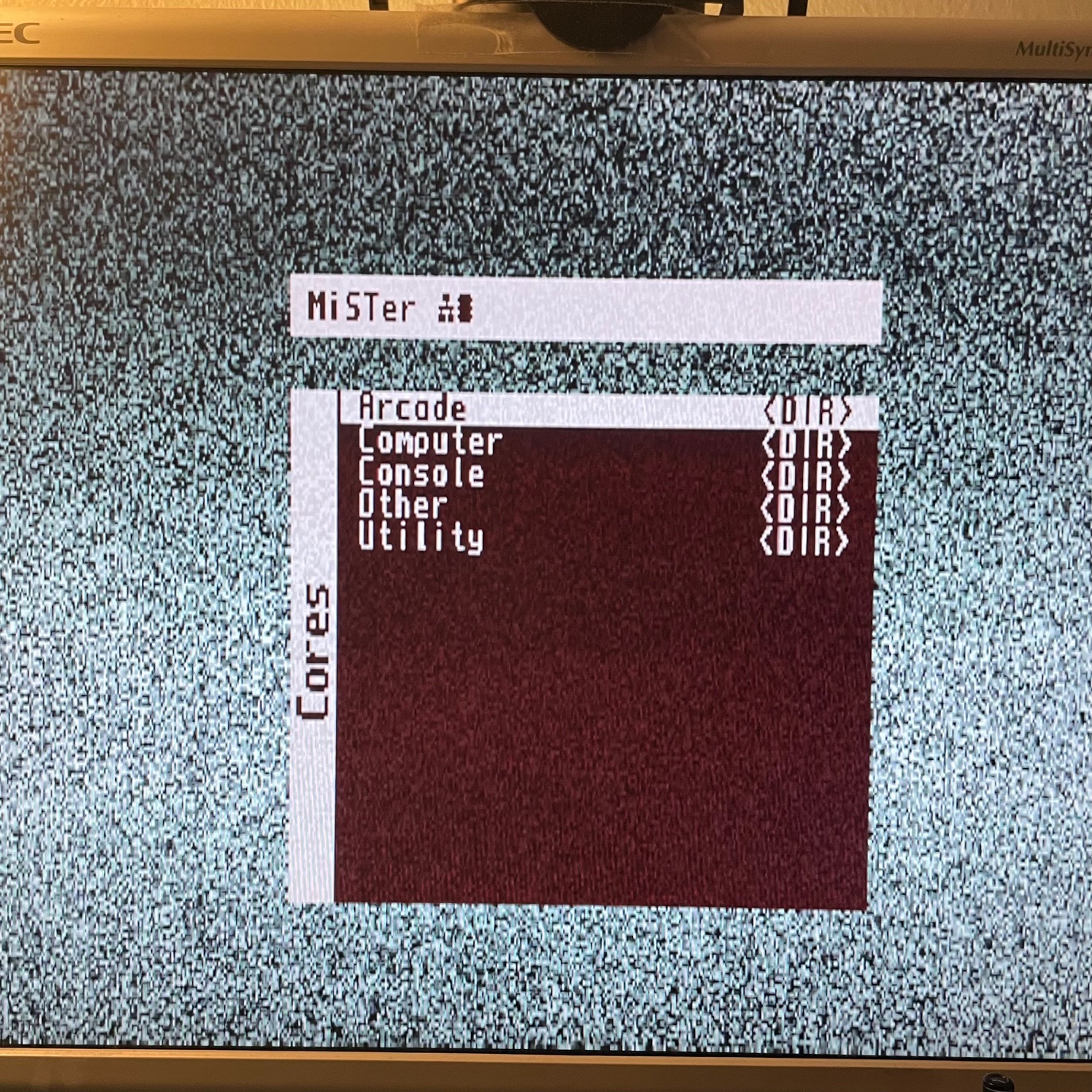
MiSTer menu on the NEC MultiSync LCD, the same monitor that drives the real retro hardware.
Context: DOSMENU
A key part of the preserved environment is DOSMENU, a boot configuration utility written in Turbo Pascal 6.0 in 1994, originally developed specifically for this Colani 486 machine. DOSMENU let you choose at boot time which AUTOEXEC.BAT and CONFIG.SYS commands to load, a critical feature in the DOS era, where memory management was manual and games often required different driver configurations. Features included saveable presets, a built-in MOD player, PCX picture display, and a DoubleSpace memory unloader. The original source: ~50k of Turbo Pascal, roughly 1900 lines plus some inline assembler.
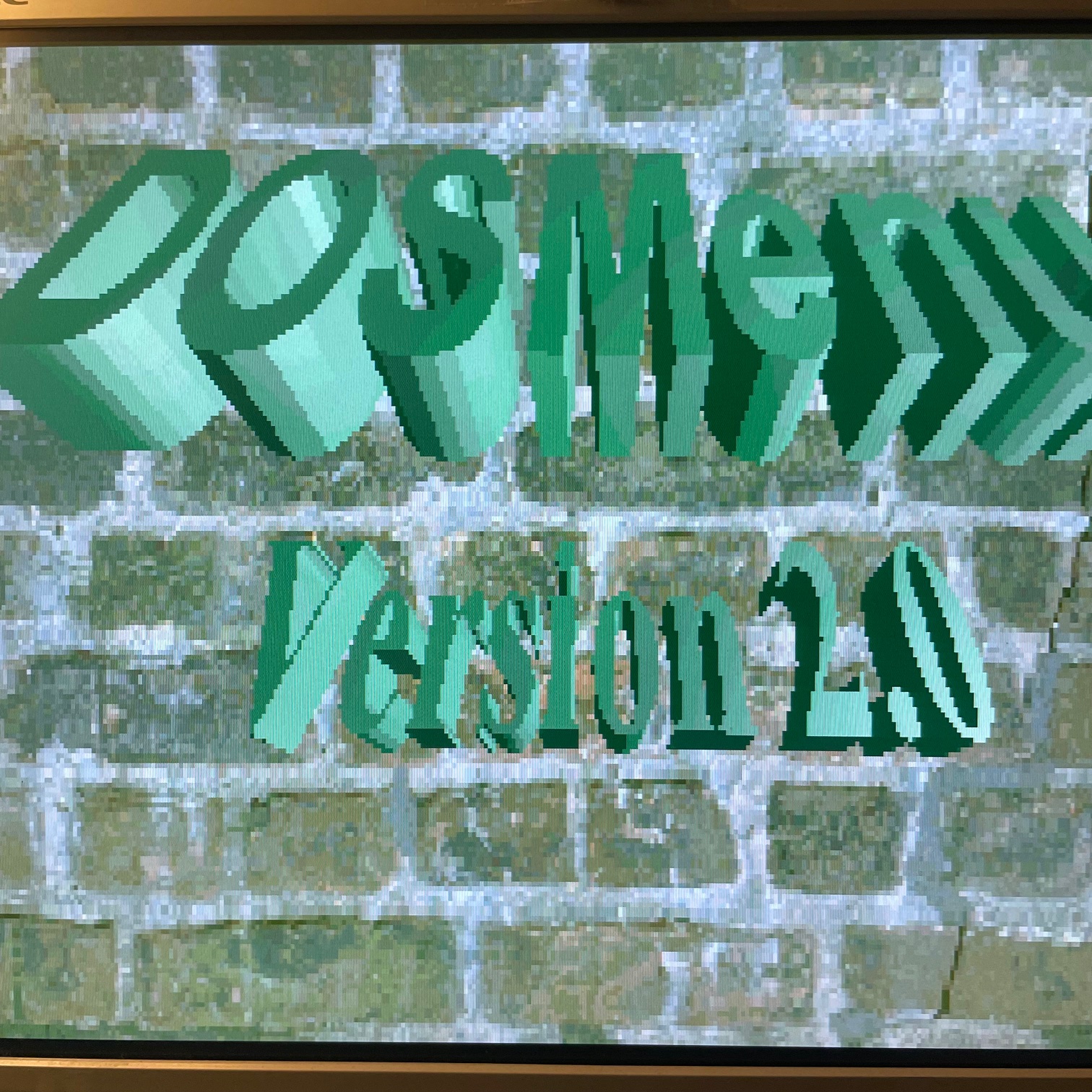
DOSMENU Version 2.0 title screen, the boot configuration utility.
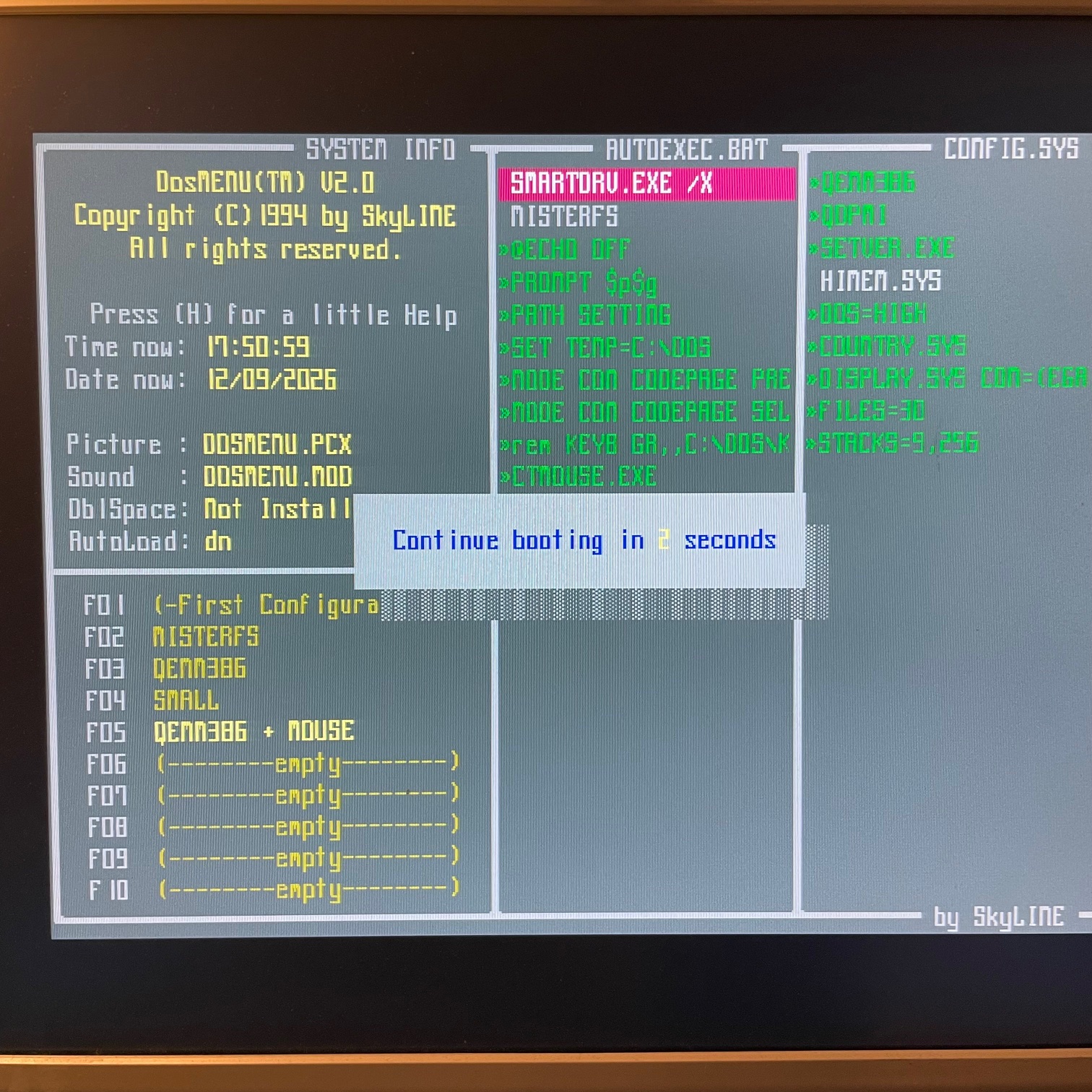
The DOSMENU configuration interface showing system info, AUTOEXEC.BAT and CONFIG.SYS content, and saveable presets (F01-F10) for different boot configurations.
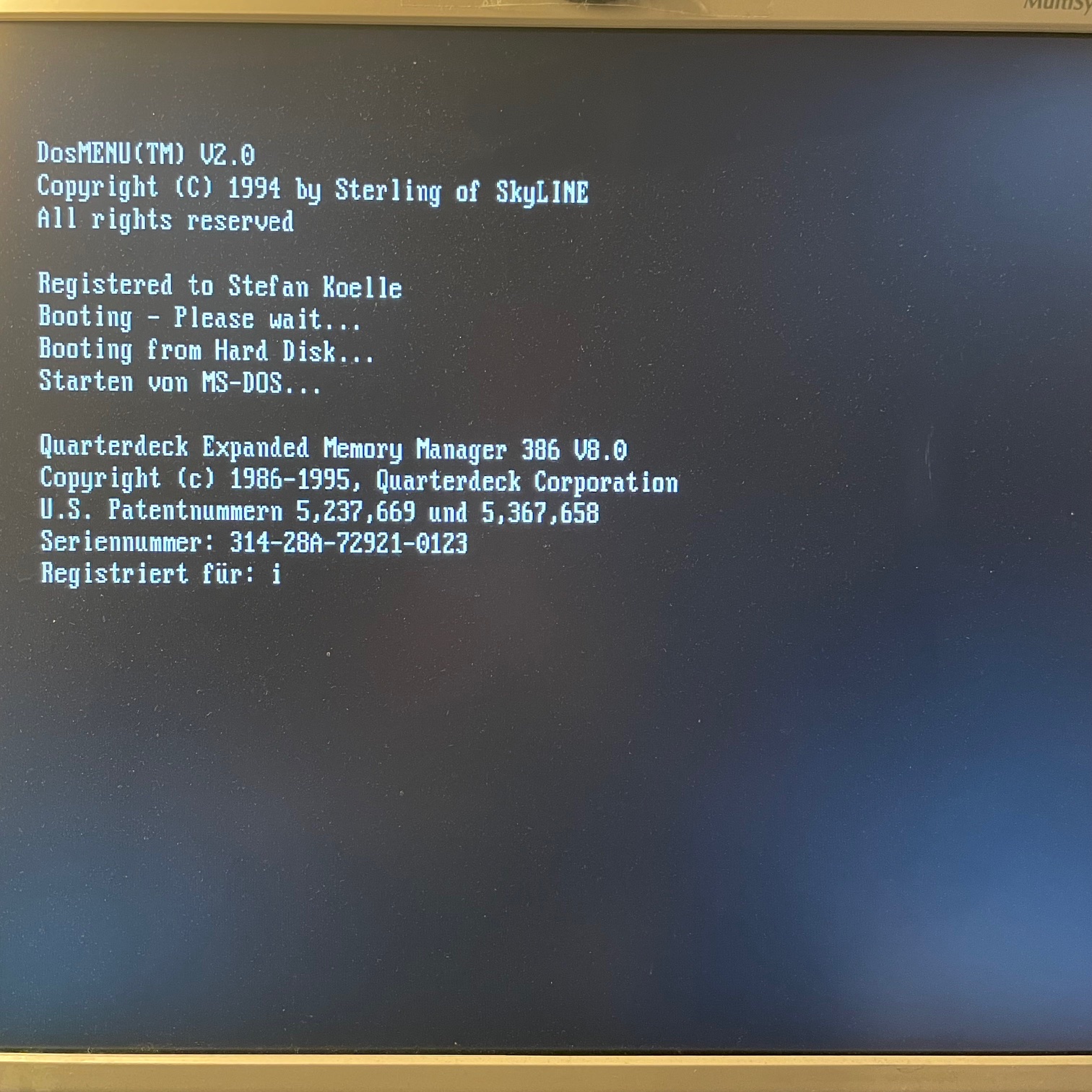
DOSMENU boot sequence showing the QEMM386 memory manager loading, registered to Stefan Koelle.
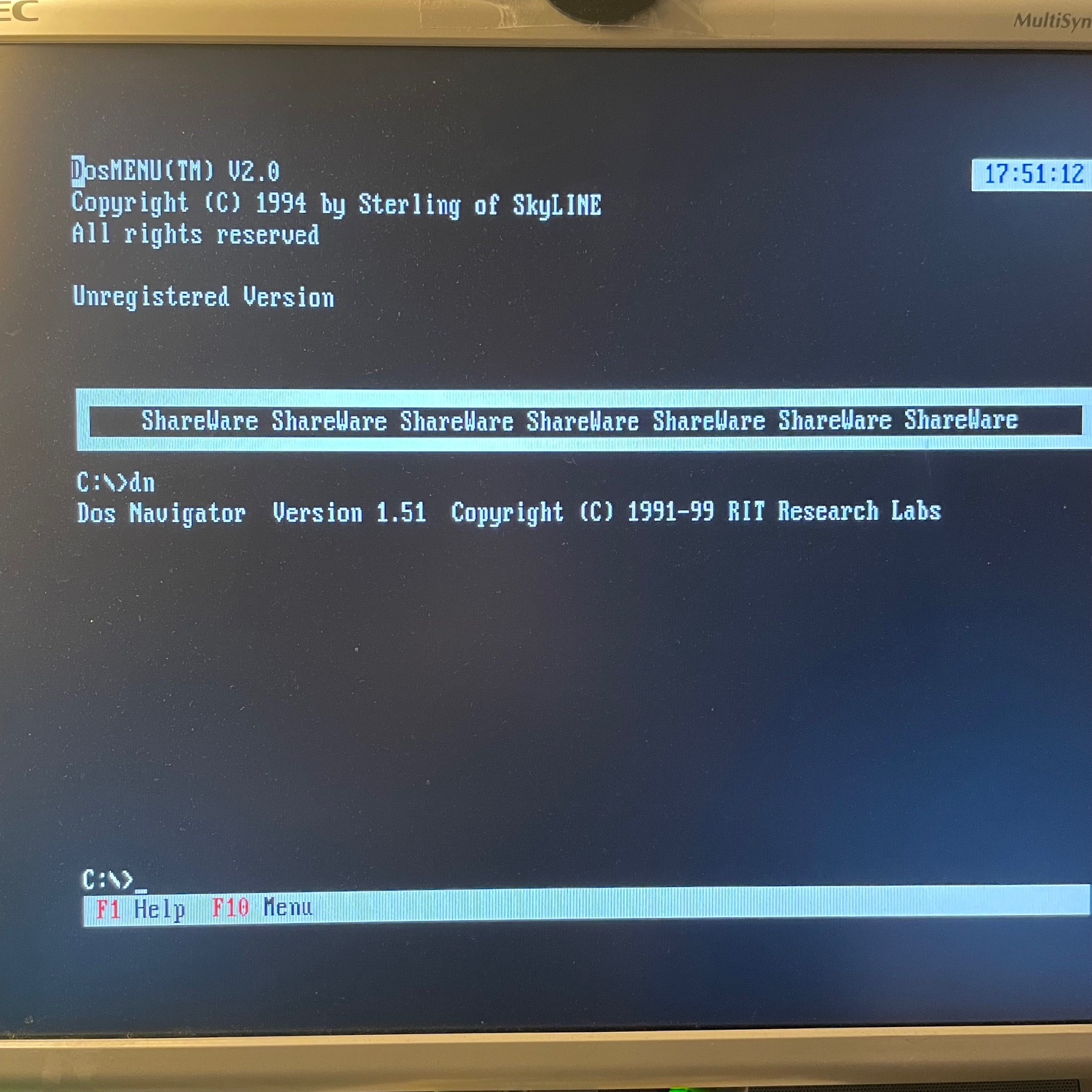
DOSMENU unregistered version with DOS Navigator 1.51 (by RIT Research Labs) loading at the C:\> prompt.
Why a rebuild from memory
The point isn't just to play DOS games, it's to recapture the computing experience from that era. The way DOS memory management worked, the way sound drivers had to be configured manually, the way batch files chained together to create a usable environment. This level of detail is lost when you just launch a DOS game from a modern frontend. The MiSTer setup recreates the whole boot process, from BIOS POST to the C:\> prompt, the way I remember it from the mid-90s.
What's preserved
- DOS boot environment, the AUTOEXEC.BAT and CONFIG.SYS set up from memory, including memory manager configuration and Sound Blaster IRQ settings.
- Game installations, DOS games installed and configured the way I used them, with setup utilities and saved games.
- System utilities, Norton Commander, PKZIP, the usual toolkit of the era, set up the way they were used daily.
- DOSMENU, a custom boot configuration utility written specifically for this Colani 486 in 1994. Built in Turbo Pascal, it let you choose at boot time which AUTOEXEC.BAT and CONFIG.SYS commands to load, essential for managing DOS memory across different games and applications.
- The quirks, the specific workarounds and tweaks that were needed to get everything running together, the kind of institutional knowledge that only exists on a well-used personal machine.
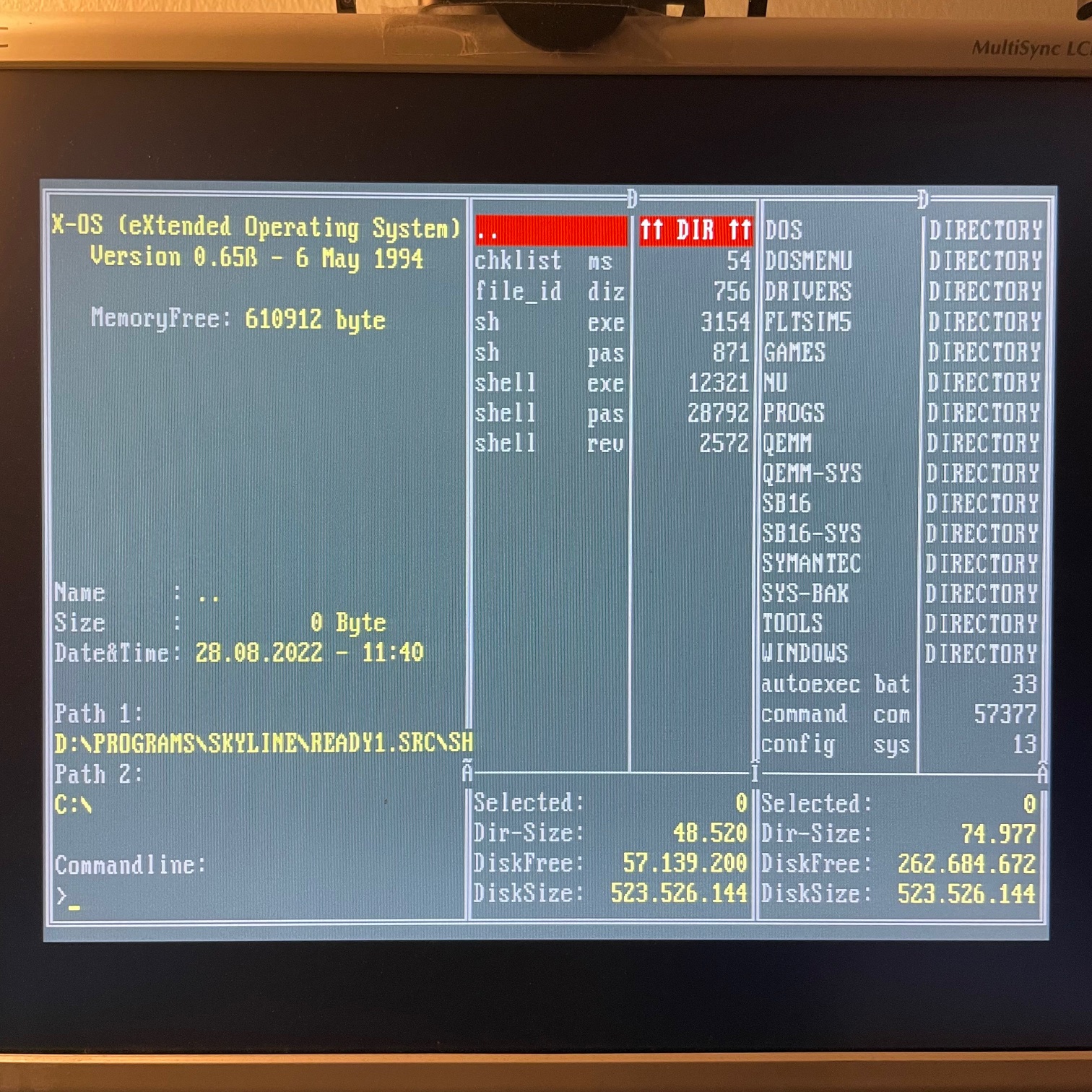
X-OS (eXtended Operating System), my Norton Commander clone for DOS, browsing the SkyLINE source directory.
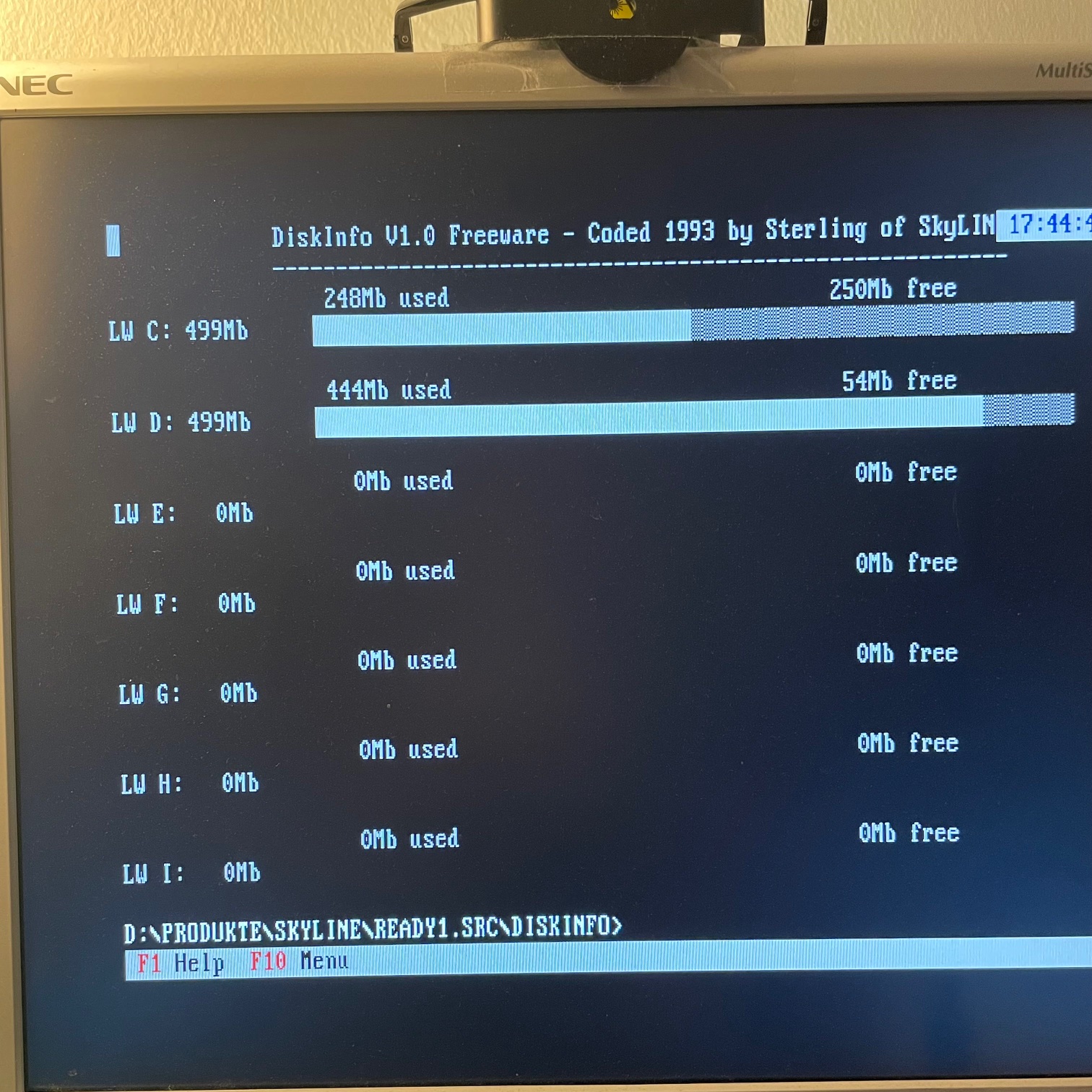
DiskInfo V1.0, a freeware disk space visualizer I wrote in 1993 for SkyLINE.
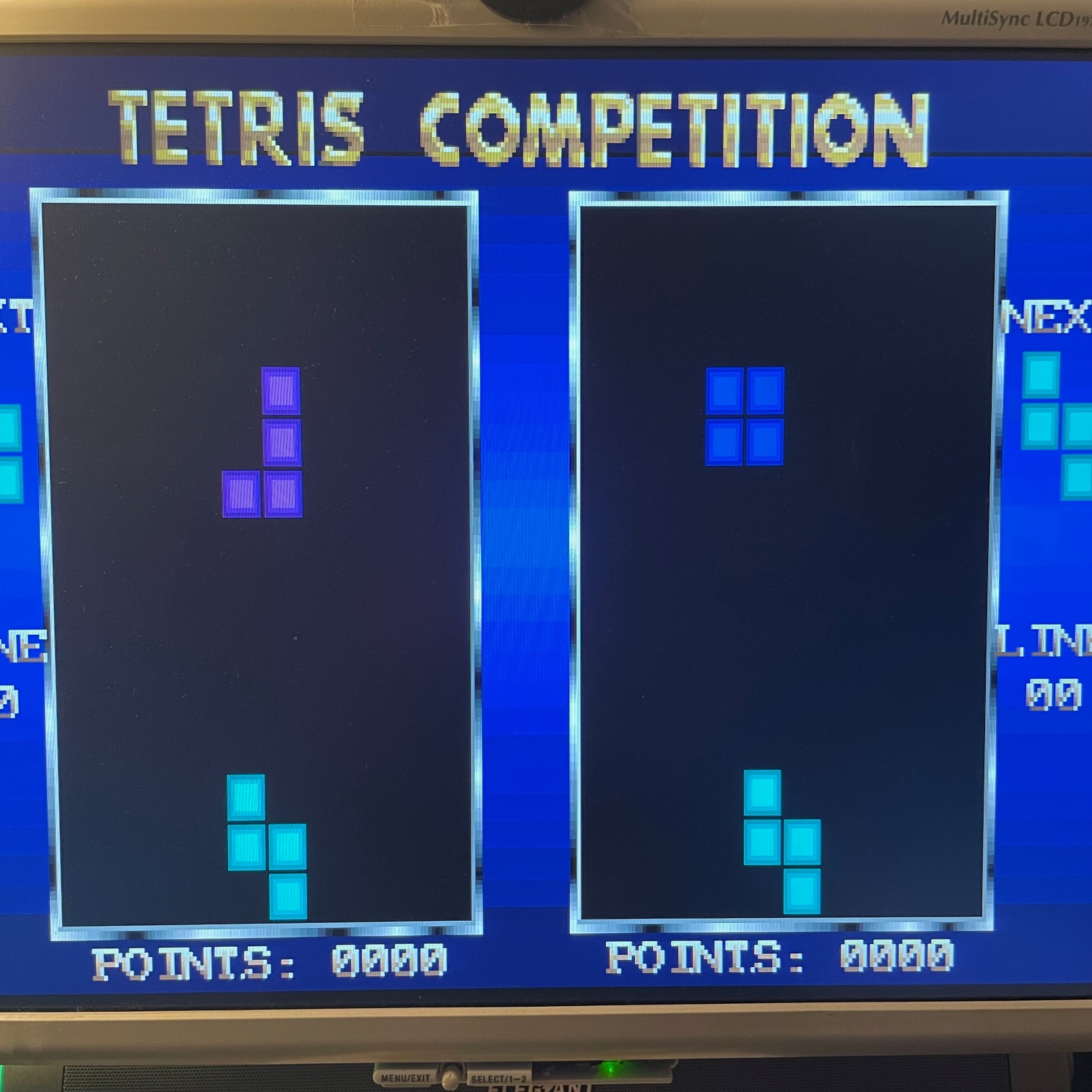
Tetris Competition, a two-player Tetris game I wrote for SkyLINE.
AO486 vs real hardware
The MiSTer AO486 core handles the emulation convincingly. Timing accuracy is good enough for games that rely on cycle-sensitive behavior. Sound Blaster emulation covers the standard OPL3 FM synthesis and digital audio. The main trade-off is that some hardware-specific quirks, like the behavior of specific ISA bus peripherals, aren't perfectly replicated. But since this is a rebuild from memory rather than an exact copy anyway, that's more than good enough for a working DOS environment.